> For the complete documentation index, see [llms.txt](https://ajuda.financeiro.app/llms.txt). Markdown versions of documentation pages are available by appending `.md` to page URLs; this page is available as [Markdown](https://ajuda.financeiro.app/guia-completo/assinatura/como-mudar-de-plano.md).
# Como Mudar de Plano
Quer experimentar outro plano ou ajustar o que já usa? É super simples mudar! Segue o passo a passo:
***
#### 1. Acesse seu plano atual
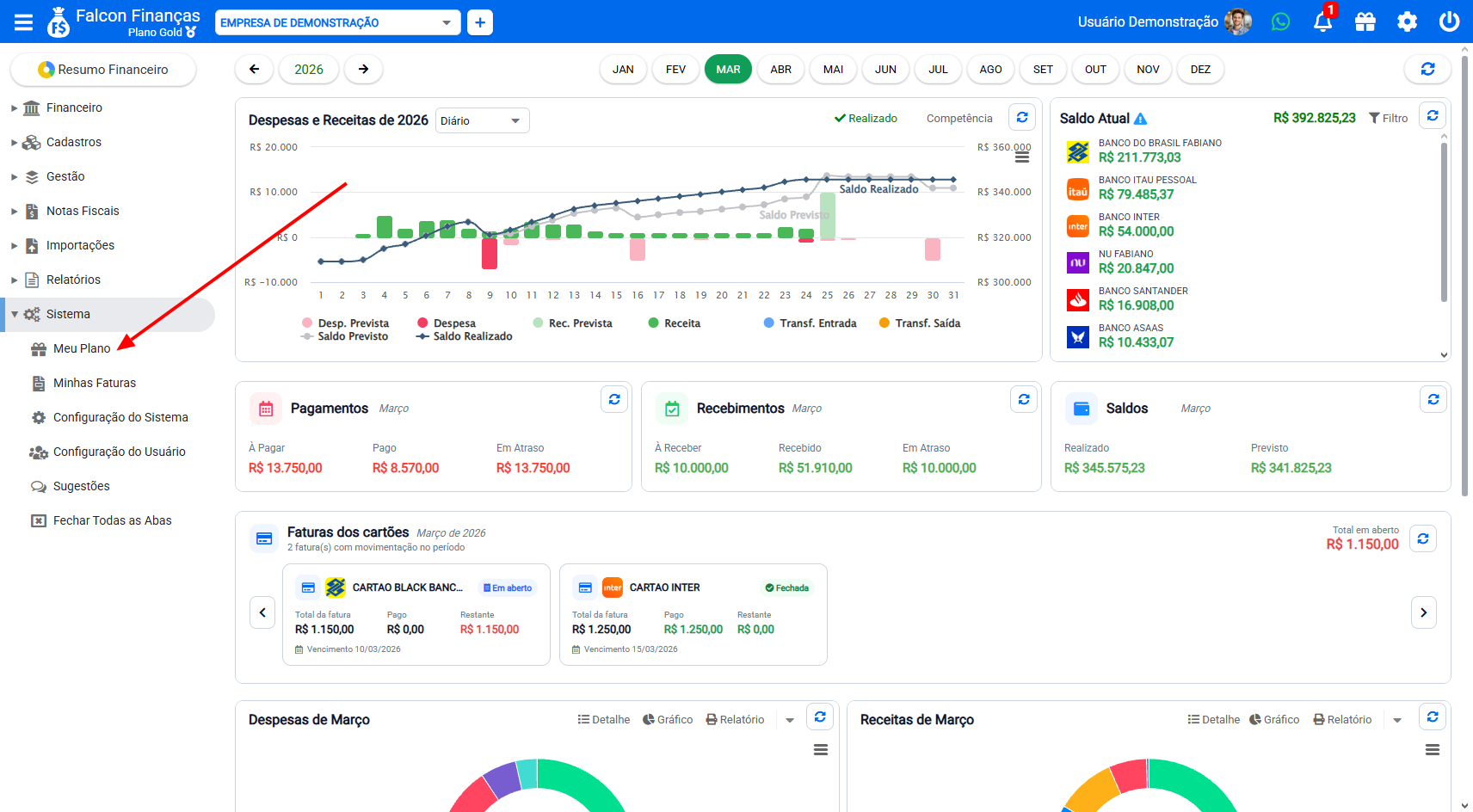
* Faça login no sistema [Falcon Finanças](https://falcon.financeiro.app)
* Vá ao menu **Sistema → Meu Plano**
***
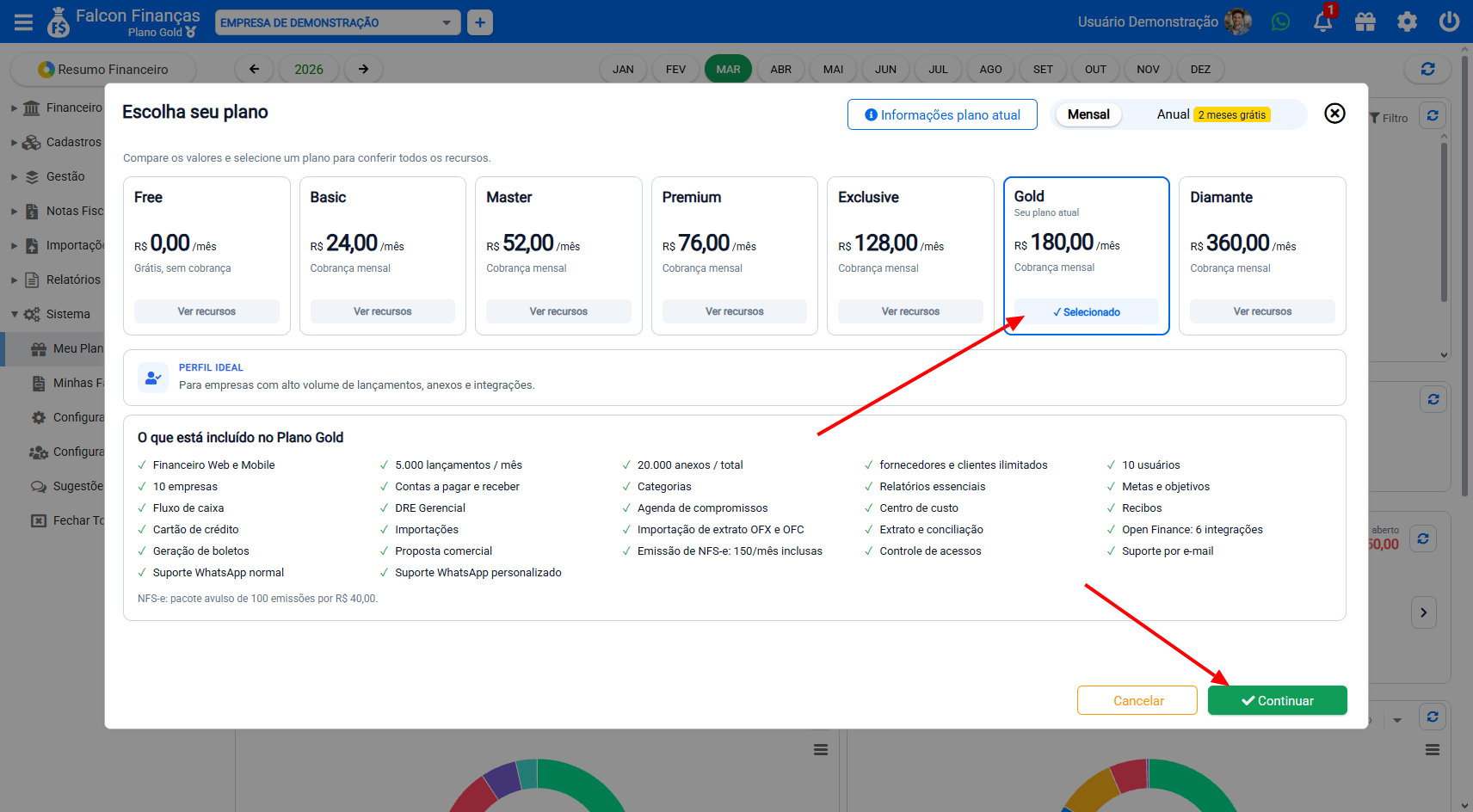
#### 2. Escolha o novo plano
* Na tela de planos, selecione o que deseja migrar
* Clique em **“Continuar”**
***
#### 3. Confirme o pagamento
* Se o novo plano tiver custo diferente, será exibida uma tela de pagamento
* Após a confirmação, o novo plano passa a valer
* Seu plano antigo fica **cancelado automaticamente** — sem você ter que fazer nada extra
***
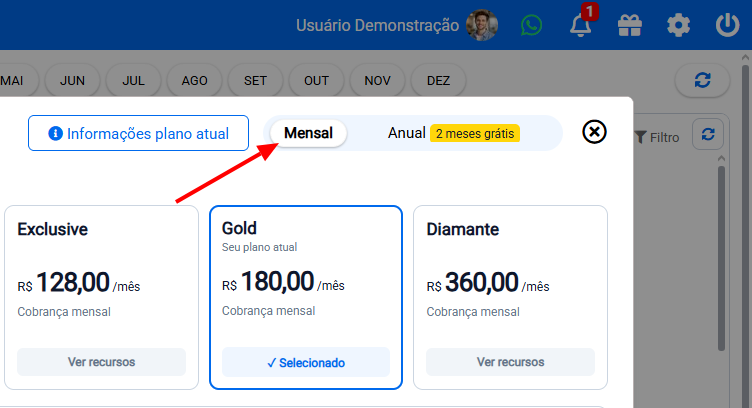
#### 4. Mudança de periodicidade (opcional)
* Se quiser mudar de **anual → mensal** ou de **mensal → anual**, selecione **Mensal** ou **Anual** no topo da tela.
***
#### ⚠️ O que acontece depois
* Quando estiver no novo plano, você já aproveita todos os benefícios dele
* O plano anterior deixa de valer a partir da confirmação do novo